

The Ice Fishing Demo is the easiest way to see how the game handles its reel, bonus features, and pace before you commit any real money. If you are comparing the Ice Fishing Game Demo with other fishing-themed titles, the demo gives you a clear feel for the rhythm without pressure. It is especially useful if you want to understand how often features appear and whether the pace suits you. This guide explains what the demo offers, how to control it, and what to expect on different devices. Learn more about Ice Fishing Gambling Game.
Many players search for the Ice Fishing Live Demo because they want the atmosphere of a live-style game without the stress of a paid session. Others look for the Ice Fishing Demo Game simply to practise the layout and learn the triggers for special rounds. On this page, you will find a plain-English rundown of controls, visuals, mobile play, and the times when the demo feels most useful. The aim is to help you try the game with realistic expectations.
What Makes the Ice Fishing Live Game Demo Unique
A fishing game demo stands out when it keeps the core rhythm intact, and that is what the Ice Fishing Demo Game tries to do. Instead of hiding the main mechanics, the Ice Fishing Live Demo usually shows the reel-up moments, bonus symbols, and small-win pacing that shape each session. That makes it much easier to compare it with other titles before you spend any money. If you want a quick read on the mood of the game, the demo gives you that in the first few spins.
The attraction of Icefishing Game Demo play is that you can observe the structure of a round without worrying about stakes. A good trial mode also reveals whether the game feels calm, quick, or somewhere in between. Many players use the Icefishing Live Demo to check the theme, sound, and feature frequency before they commit to a real session. In practice, that makes the demo more of a test drive than a freebie.
Does the demo keep the same pace as the full game?
Ice Fishing Demo versions are most helpful when they preserve the timing of the original game rather than rushing through it. You should see enough of the reel cycle, win animation, and bonus build-up to understand how the session flows. If a demo feels stripped back, it is harder to judge whether the real game will suit your style. The better versions keep the mood and mechanics closely aligned.
That is why Icefishing Demo Game play matters even before you think about winning anything. The point is not to farm prizes, but to feel how often you are waiting, spinning, or getting pulled into feature moments. If the pace feels right in the demo, it is usually a good sign that the full game will not surprise you. If it feels too slow or too busy, you have learned that early.
Which features are easiest to judge in a trial session?
The clearest thing to test in an Ice Fishing Live Game Demo is how the special features are introduced. You can watch for symbols, screen changes, or other cues that signal a bonus phase. That makes the demo useful for spotting patterns rather than chasing outcomes. It is the fastest way to learn what the game wants you to notice.
A second useful check is the feedback after each spin in the Ice Fishing Game Demo Play flow. Good animation, readable win messages, and clear sound cues help you understand what just happened without guessing. If those details are easy to follow, the game will probably feel smoother when you play longer. That kind of clarity matters more than flashy effects alone.
| Feature | What the demo shows | Why it matters |
|---|---|---|
| Round pace | How quickly spins settle and reset | Helps you decide whether the game feels relaxed or intense |
| Bonus cues | Symbols or animations that hint at extra play | Shows how easy it is to spot feature triggers |
| Win feedback | Messages, sounds, and flashes after a result | Lets you read outcomes without confusion |
| Mobile layout | Button size and screen fit on small devices | Useful if you plan to test the game on a phone |
Ice Fishing Demo Game Controls for First-Time Players
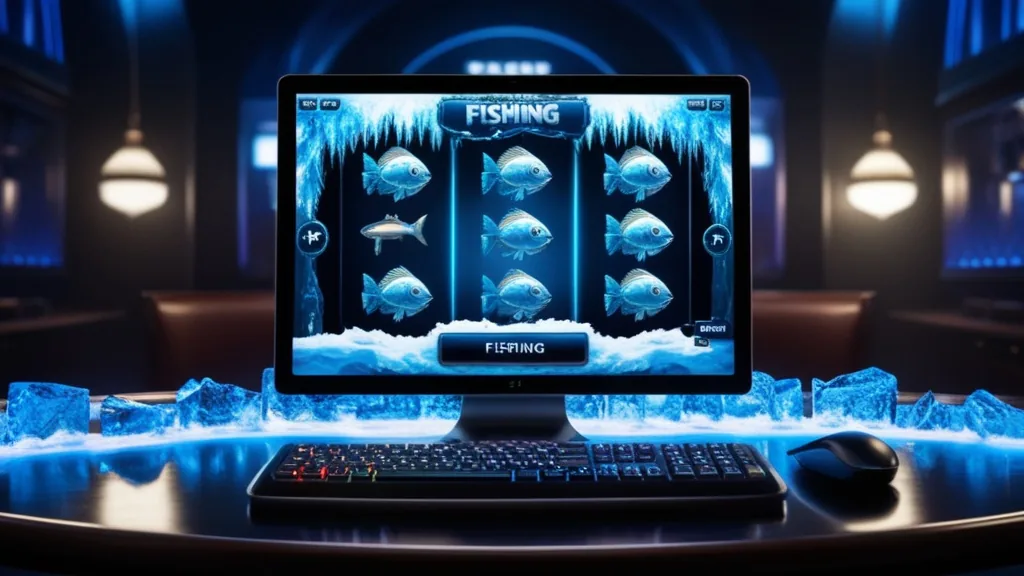
The controls in a fishing slot usually matter most in the first minute, because that is when players decide whether the layout feels intuitive. With Ice Fishing Demo Game play, you can see how fast the buttons respond and how much attention the round requires. The interface is not meant to be complicated, but small differences in spacing and feedback still affect comfort. That is why first-time players should spend a few spins just learning the rhythm.
A well-made Icefishing Demo also makes it easy to tell which actions are automatic and which ones you trigger yourself. You are usually looking for a spin button, an info panel, and any feature indicators that light up during play. If those elements are clear on the first screen, the game is easier to trust. If they are crowded or vague, the demo gives you a chance to notice that before a real session.
How do the basic controls work on desktop?
On desktop, Ice Fishing Game Demo Play is usually built around a simple click-and-watch loop. You choose your spin or start action, then wait for the round to resolve while the game displays wins and feature cues. Most of the time, the controls are designed to feel familiar even if you have never played a fishing game before. The important part is knowing where the main button sits and how quickly the interface responds.
For many players, the helpful part of Ice Fishing Live Demo testing is not pressing every option, but seeing how cleanly the basics are presented. If the game gives you clear button labels, readable rules, and obvious pacing, you will learn faster. That is especially useful if you are comparing it with other demos and want a simple control setup. The fewer distractions on the screen, the easier it is to focus on the round itself.
What should you focus on during your first few spins?
The first few spins in an Ice Fishing Demo Game should be used to check timing, sound, and symbol movement. You do not need to memorise every rule right away, because the demo is there to let you learn by watching. Notice how long it takes for the game to settle after each spin and whether the animations feel smooth. Those small details tell you a lot about the overall experience.
It also helps to watch for any moments where Icefishing Demo Game play changes pace, such as a bonus tease or a louder win animation. Those shifts show you how the game builds excitement. If you can follow the action without rereading instructions, the controls are doing their job. If you feel lost, a second short session usually clears things up quickly.
How to Start the Icefishing Live Demo Quickly
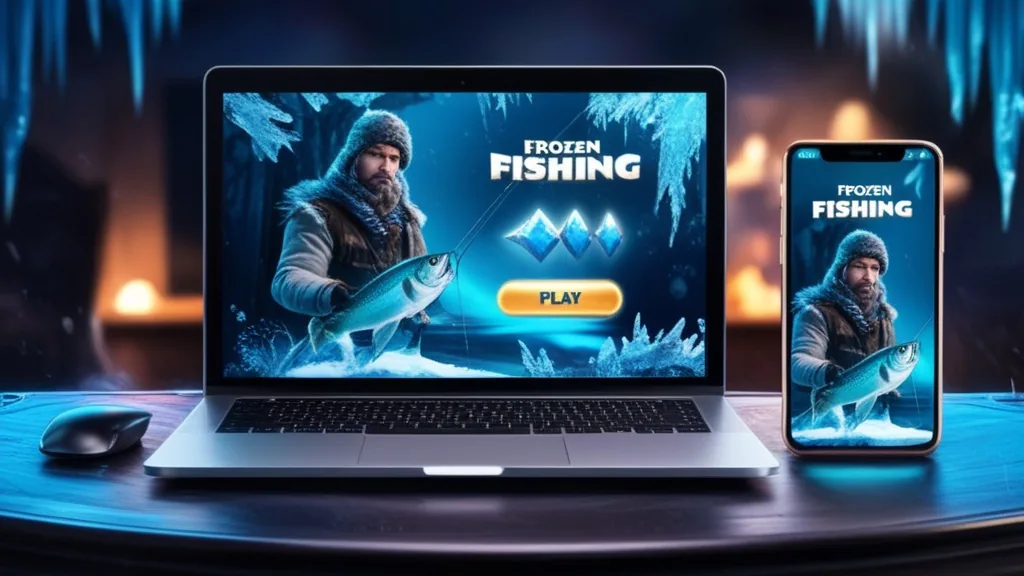
A demo that loads quickly is easiest to judge, because you spend more time playing and less time waiting. The Ice Fishing Live Demo usually opens with the game interface already doing most of the explaining, which means you can start learning almost immediately. That is useful if you only have a short break and want to test the mood of the game. It also helps when you are comparing several demos in one sitting.
People often choose Icefishing Live Game Demo sessions because they want a fast way to check mechanics on a new site or device. The good news is that most of the setup is straightforward once the page finishes loading. If you know what to look for, Ice Fishing Game Demo Play can begin in under a minute. A smooth start matters because it lets you focus on the round rather than the setup.
Do you need to register before the demo opens?
In many cases, Ice Fishing Demo Game access is designed to be simple, so registration is not always required just to look around. The exact setup depends on the site, but the demo itself is usually meant to reduce friction. That is part of what makes it useful for quick testing. If a page asks for extra steps, it should still be clear whether you are entering demo play or real play.
The main thing is to avoid assuming that Icefishing Demo and paid play behave the same way at the entry stage. Demo access is often lighter because there is no bankroll involved. That said, you should still check the on-screen labels so you know which mode you have opened. A few seconds of attention here can save confusion later.
What if the game takes too long to load?
When Ice Fishing Live Game Demo loading feels slow, the first thing to check is whether your browser or phone is handling the animation well. Heavy graphics and sound can take a moment to settle, especially on older devices. If the page pauses, give it a short wait before refreshing. A rushed reload can sometimes make the problem look worse than it is.
If the delay continues, Icefishing Game Demo Play is often easier after closing other tabs or apps. That frees memory and makes it simpler for the game to start cleanly. You can also try a different browser if the page keeps stalling. The goal is not to force it, but to make sure the demo opens in a stable way.
If you want the shortest path into Ice Fishing Demo, these steps usually get you there without unnecessary detours.
- Open the game page and wait for the player to load fully.
- Select the demo or try mode instead of any paid option.
- Let the opening animation finish so the controls settle.
- Run a few test spins to check pace, sound, and symbol clarity.
- Rotate your device or resize the window if the layout looks tight.
Following this sequence makes Icefishing Live Demo sessions feel less clumsy, especially on a first visit.
Icefishing Demo Game Graphics, Sound, and Mobile Performance
Visual polish matters in a fishing game because the atmosphere does half the selling. In Icefishing Demo Game sessions, you can judge whether the icy theme, water effects, and UI contrast stay clear when the screen gets busy. That is especially important on smaller devices, where clutter becomes obvious very quickly. A strong visual setup makes the whole game easier to follow.
Sound is just as important, since the audio cues tell you when a spin changes pace or a win lands. The Ice Fishing Game Demo gives you a safe way to see whether the soundtrack supports the action or starts to feel repetitive. Mobile performance is the final piece, because a smooth interface matters more than a dramatic first impression. If the game stays responsive on your phone, the experience usually feels much better overall.
How does the game look on a smaller screen?
On a phone, Ice Fishing Live Demo play should still leave the important buttons readable and the reel area easy to scan. If the symbols shrink too much, the game becomes tiring after only a few spins. Good mobile design keeps the action centered without hiding the controls. That makes the demo useful for checking whether the layout suits your screen size.
The best Ice Fishing Demo layouts do not try to cram every detail into one view. Instead, they keep the most relevant information visible and let the rest sit quietly in menus or panels. That balance is what makes a mobile session feel comfortable rather than crowded. It also helps you play for longer without feeling like you are squinting at the screen.
Does the soundtrack stay clear on mobile?
Sound clarity in Icefishing Live Demo mode is easy to judge because you can raise or lower the volume without risking anything. Listen for whether the music is too loud over the spin sounds or whether the win effects are sharp enough to notice. A clean mix helps the round feel more polished and less distracting. If the audio is balanced, the game usually feels smoother overall.
The Ice Fishing Game Demo also lets you test how the sounds behave in a busy setting, such as on a commute or in a shared room. If the effects are still understandable at lower volume, that is a sign the game has good audio design. If they disappear completely, you may prefer to play with headphones or mute the soundtrack. Either way, the demo gives you the answer before you commit time to a longer session.
Best Times to Try the Ice Fishing Game Demo
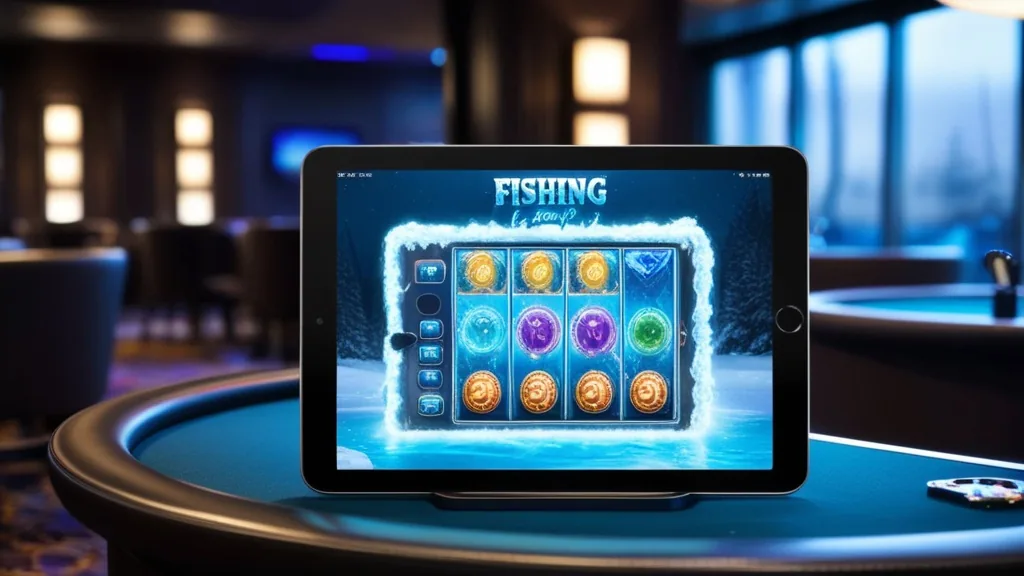
Timing matters with demos because a calm window lets you notice the small details that matter most. The Ice Fishing Game Demo is easier to read when you are not rushing through the first few spins or switching attention between tasks. That is why many players try it when they have a few uninterrupted minutes. A quieter session usually reveals more about the game than a hectic one.
A short, focused run of Icefishing Demo Game play can tell you a lot about pacing, audio, and whether the interface feels friendly. It is also the best way to compare this title with other fishing games on the same day. If you want to judge whether the experience feels steady or lively, the demo gives you a fair sample. Choosing the right time to play makes that sample more accurate.
When is a demo session most useful for learning?
The best learning sessions usually happen when you can give the Ice Fishing Live Demo your full attention for a short stretch. That gives you time to notice the pace of the spins, the way symbols react, and how clearly the game explains itself. You do not need a long block of time to learn the basics. You just need enough room to watch a few rounds closely.
If your goal is understanding rather than playing for hours, Icefishing Live Demo mode is ideal during a calm break. The quiet setting makes it easier to spot patterns in the game's rhythm and feature cues. That knowledge is more useful than trying to rush through a session. The demo works best when you are relaxed enough to pay attention.
How can you use a quiet session to test performance?
A quiet session is perfect for checking whether Ice Fishing Demo keeps its pace and visuals steady on your device. Pay attention to loading, spin response, and whether the animation stays smooth after several rounds. Those are the kinds of details that can be missed when you are busy. The demo gives you a low-risk way to notice them.
You can also use Icefishing Demo time to compare sound, brightness, and touch response with other games. If the game feels comfortable in a calm setting, it is more likely to stay comfortable later. If something feels awkward, you will catch it early and avoid a longer session that does not suit you. That is the real value of trying it at the right moment.
The most useful moments for Ice Fishing Demo Game testing usually look like this:
- When you have a few minutes with no interruptions.
- After comparing one or two other fishing-themed games.
- When you want to test sound levels on your usual device.
- Before deciding whether the pacing feels too slow or too quick.
- When you are checking how the layout behaves on mobile.
A quiet window like this makes Icefishing Game Demo easier to evaluate, because you can notice rhythm and response without distraction.